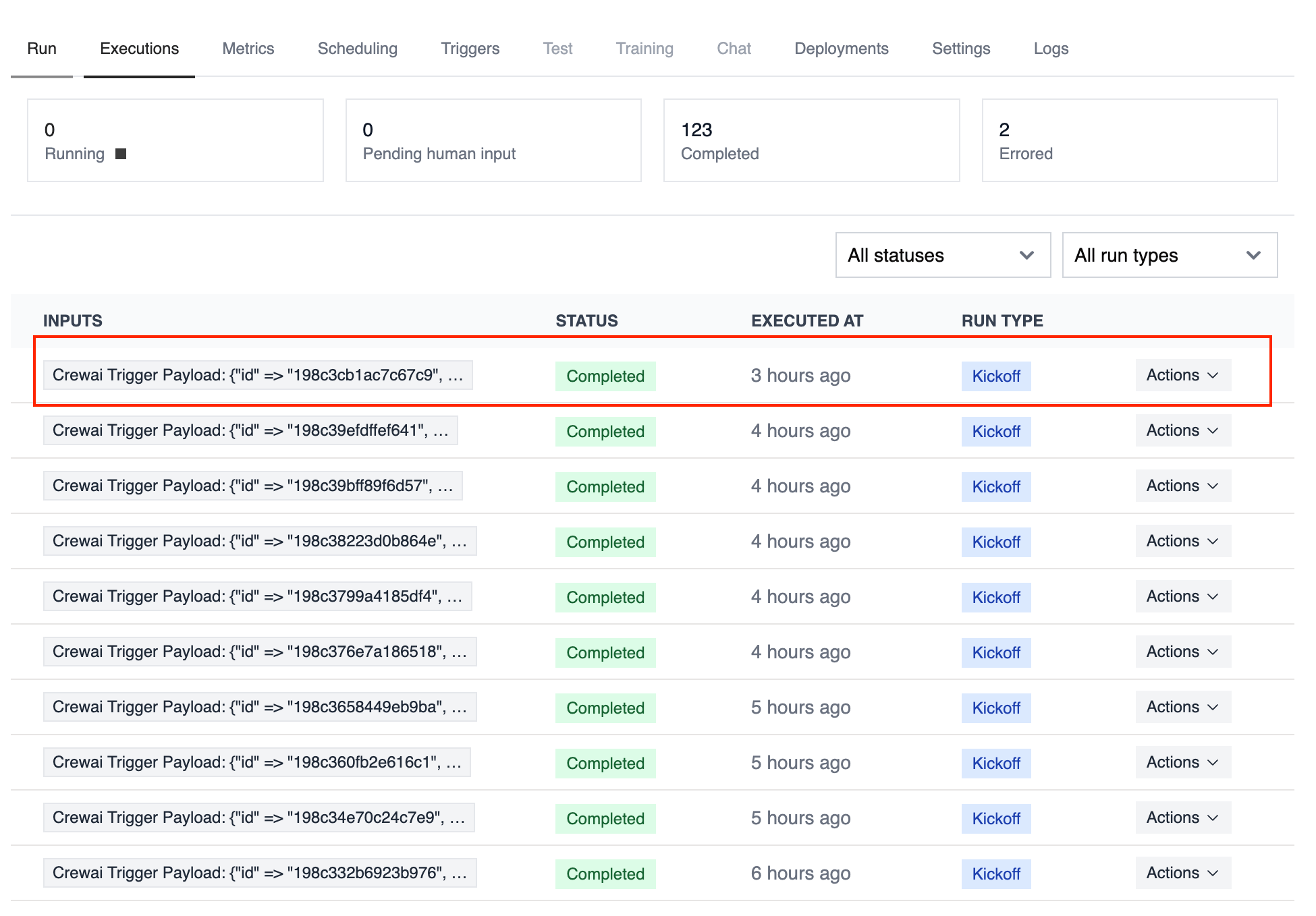
Use the Google Calendar trigger to launch automations whenever calendar events change. Common use cases include briefing a team before a meeting, notifying stakeholders when a critical event is cancelled, or summarizing daily schedules.
Make sure Google Calendar is connected in Tools & Integrations and enabled
for the deployment you want to automate.
The snippet below mirrors the calendar-event-crew.py example in the trigger repository. It parses the payload, analyses the attendees and timing, and produces a meeting brief for downstream tools.
from calendar_event_crew import GoogleCalendarEventTriggercrew = GoogleCalendarEventTrigger().crew()result = crew.kickoff({ "crewai_trigger_payload": calendar_payload,})print(result.raw)
Use crewai_trigger_payload exactly as it is delivered by the trigger so the crew can extract the proper fields.