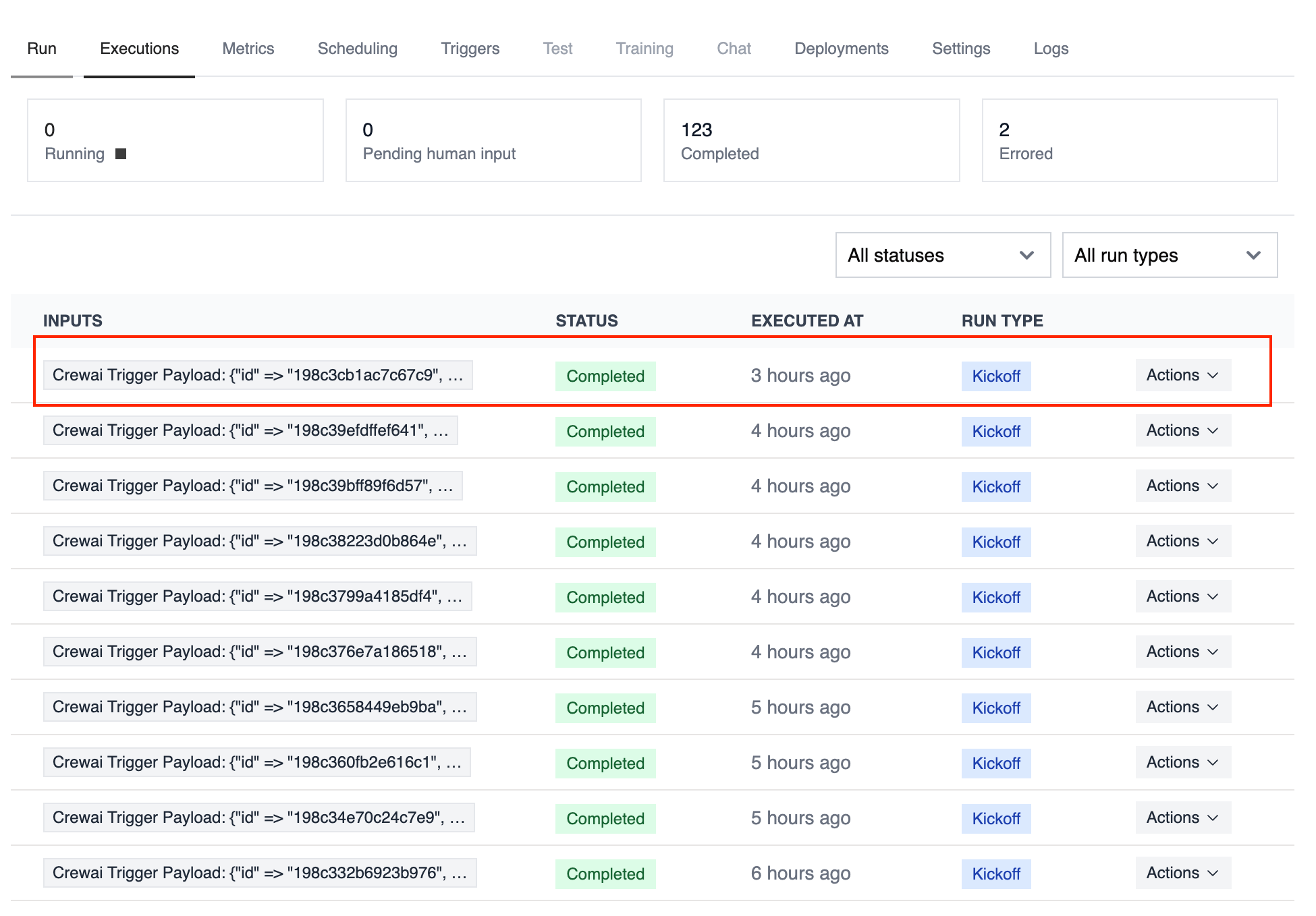
Trigger your automations when files are created, updated, or removed in Google Drive. Typical workflows include summarizing newly uploaded content, enforcing sharing policies, or notifying owners when critical files change.
Connect Google Drive in Tools & Integrations and confirm the trigger is
enabled for the automation you want to monitor.
Test your Google Drive trigger integration locally using the CrewAI CLI:
# View all available triggerscrewai triggers list# Simulate a Google Drive trigger with realistic payloadcrewai triggers run google_drive/file_changed
The crewai triggers run command will execute your crew with a complete Drive payload, allowing you to test your parsing logic before deployment.
Use crewai triggers run google_drive/file_changed (not crewai run) to
simulate trigger execution during development. After deployment, your crew
will automatically receive the trigger payload.