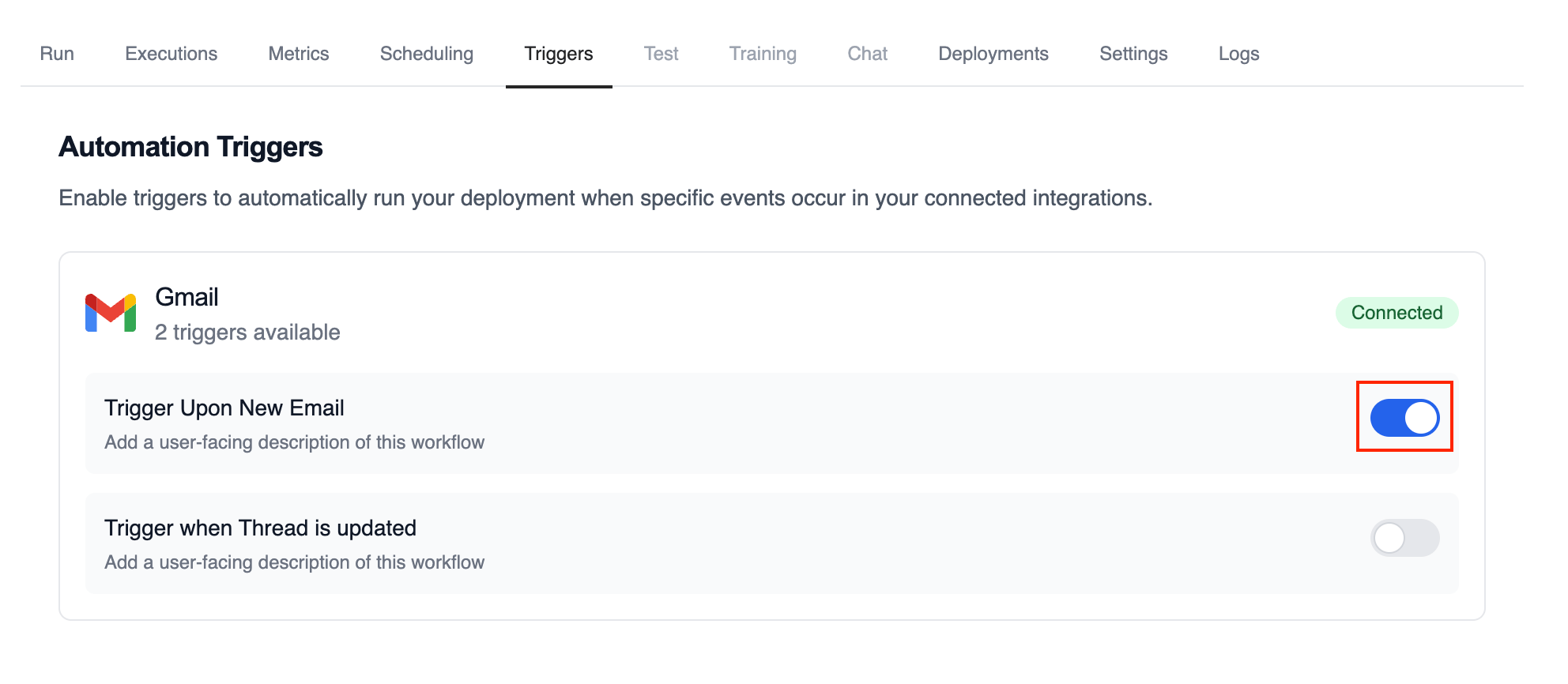
Use the Gmail Trigger to kick off your deployed crews when Gmail events happen in connected accounts, such as receiving a new email or messages matching a label/filter.
Make sure Gmail is connected in Tools & Integrations and the trigger is
enabled for your deployment.
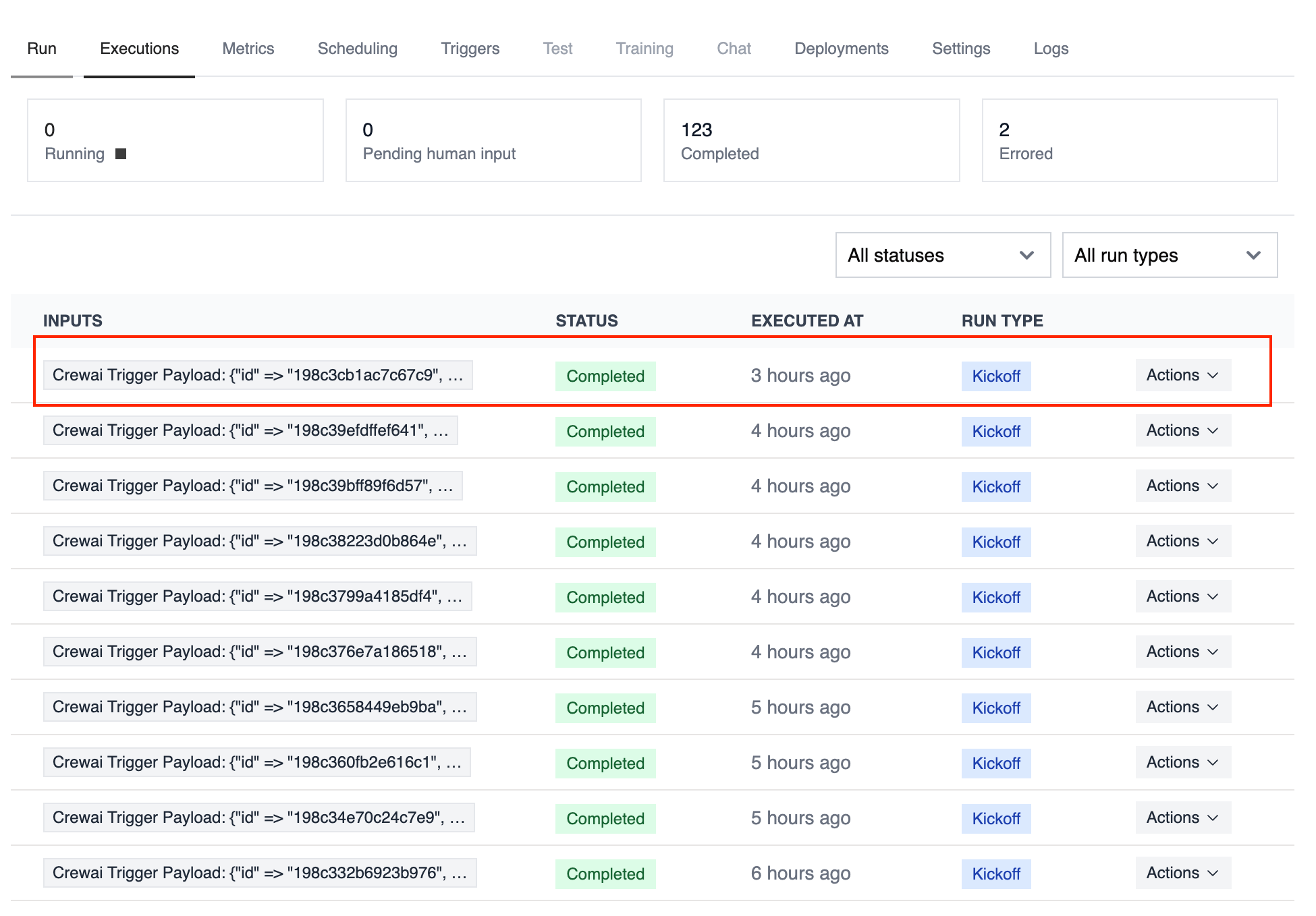
When a new email arrives, the Gmail Trigger will send the payload to your Crew or Flow. Below is a Crew example that parses and processes the trigger payload.
Test your Gmail trigger integration locally using the CrewAI CLI:
# View all available triggerscrewai triggers list# Simulate a Gmail trigger with realistic payloadcrewai triggers run gmail/new_email_received
The crewai triggers run command will execute your crew with a complete Gmail payload, allowing you to test your parsing logic before deployment.
Use crewai triggers run gmail/new_email_received (not crewai run) to
simulate trigger execution during development. After deployment, your crew
will automatically receive the trigger payload.